|
|
September 2025 Public Newsletter
|
|
|
Welcome to the September newsletter from Computer Techs Reno!
This month, we're focusing on one of the most important topics in the digital world: your online safety. In a time where our lives are more connected than ever, it's crucial to understand the simple steps we can take to protect our personal information.
This newsletter brings together two of our latest blog posts that are all about keeping you safe online.
Our first post, "Check the Source to Help Stop Phishing and Scams,"
provides a simple yet powerful defense against common online traps. We talk about how scammers try to trick you with urgent requests and official-looking emails, but they can't always hide their true identity. By taking a moment to check the sender's email or website address, you can spot the red flags and avoid falling victim to these schemes. This simple habit can save you from a lot of trouble.
Building on that idea of prevention, our second blog post, "Using the Same Password Everywhere Is Like Using Your House Key for All of Your Locks," explains the huge risk of reusing passwords. Just as you wouldn't use one key for your home, car, and office, you shouldn't use the same password for all your online accounts. If one site is
breached, cybercriminals can use that single password to access everything.
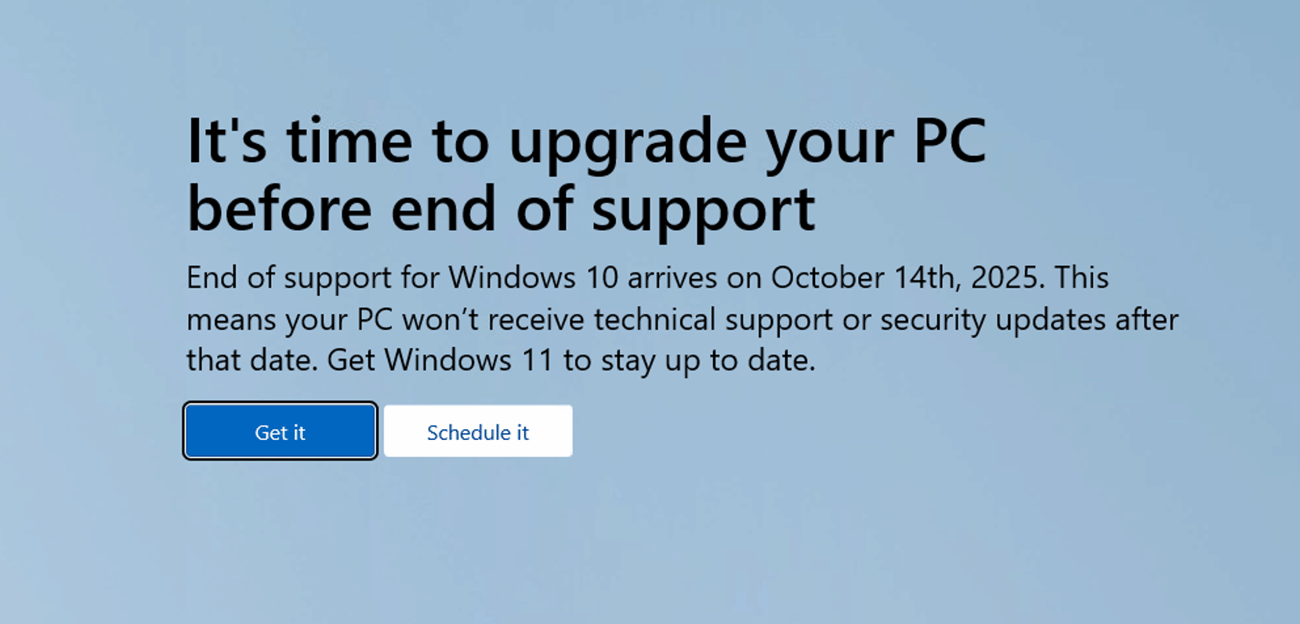
Lastly, a reminder that the end-of-support for Windows 10 is next month. We give you all the details that you need to know if you're still using the 10 year old operating system.
|
|
|
|
|
|
|
In today’s digital world, phishing and online scams remain some of the most common ways criminals trick people into giving up sensitive information. These attacks often look convincing—emails that appear to be from your bank, websites that resemble popular retailers, or texts that mimic delivery services. However, most phishing attempts can be uncovered with a simple habit: checking the source email address or website before taking action...
|
|
|
|
|
|
|
Imagine if one single key unlocked your house, your car, your office, and even your safety deposit box at the bank. Convenient? Sure. Safe? Absolutely not. If you were to lose that key—or if someone were to steal it—they would instantly have access to everything important in your life...
|
|
|
|
|
Microsoft Has Announced a Free Option to Keep Getting Windows 10 Updates for One More Year. But Should You?
|
|
|
|
|
|
- Microsoft will end support for Windows 10 on October 14, 2025. Initially Microsoft said there will be no more free updates, security patches, or technical support available.
- Most users have 3 options: Upgrade to Windows 11, get a new computer with Windows 11, or extend Windows 10 security updates for one more year (for free or $30).
- Upgrading to Windows 11 is recommended for most users for its advanced security, improved performance, and new features.
Computer Techs can help you with your upgrade or extension options. For more information Read More
|
|
|
|
|
You can also reach Mark at the mobile number
listed on his business card.
Otherwise, call our office voicemail at
775-624-6888
Missed a previous article or newsletter, or want to read it again? View our Newsletter Archive.
|
|
|
|
|
|